Advertisement
Click to download now, finish the installation quickly, and directly unlock the all-round experience
Advertisement
Screenshots
Click to download now, finish the installation quickly, and directly unlock the all-round experience
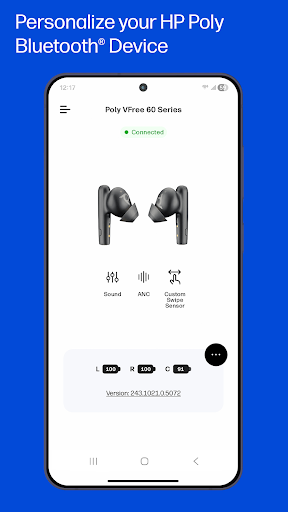
HP Poly Studio Mobile is a companion app for people using supported HP Poly Bluetooth headsets and speakerphones. It lets you adjust device settings and manage supported devices from a phone, rather than relying only on controls on the hardware. It is most relevant if you use a Poly device regularly for calls, listening, or both; it is not a general-purpose audio app.
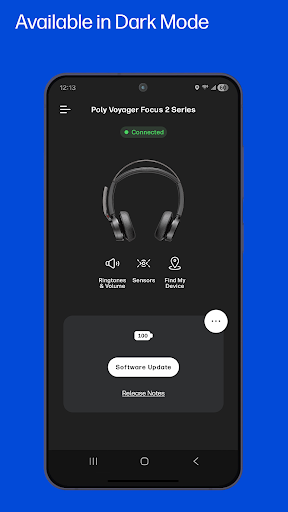
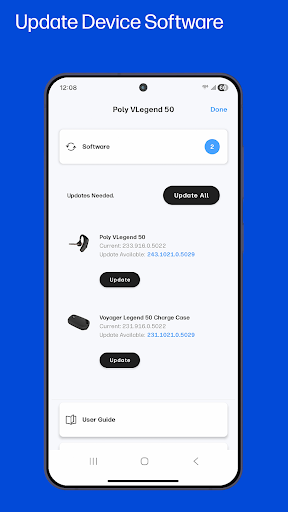
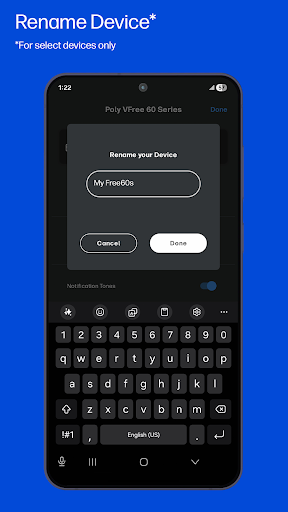
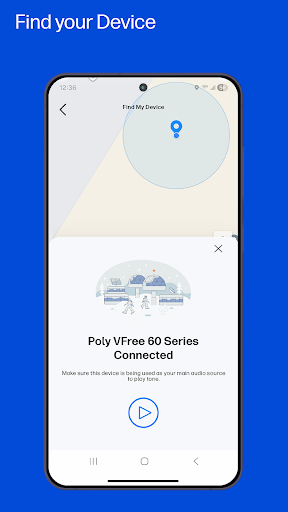
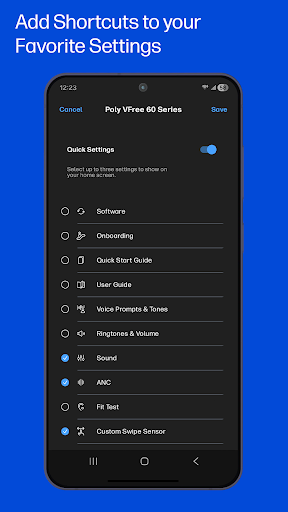
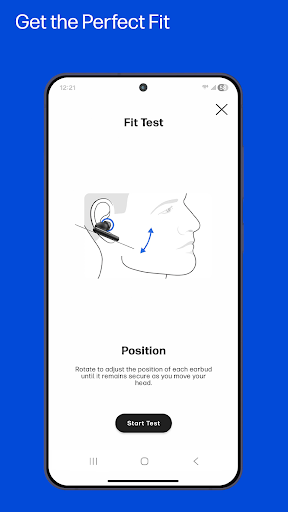
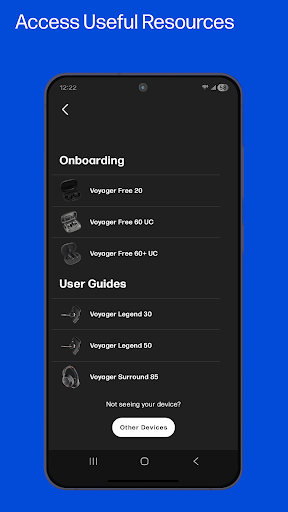
The app can put shortcuts to as many as three preferred settings on its home screen, which may help when switching between calls and music. For compatible devices, it also offers over-the-air software updates, setup guides, fit tests, user information, and support resources. A Find My Device feature is available for locating a misplaced device. The exact options depend on which Poly model you use.
HP Inc. is the developer. The app has a public rating of 3.17 out of 5 from 38,924 ratings, alongside more than 1,000,000 installs. That is a substantial pool of feedback, but the middling score suggests the experience is not consistently satisfying for everyone. The number alone does not explain why people rated it as they did, and it should not be treated as a guarantee of how it will work with a particular device.
Individual users can use the app to customize supported devices and find product help. In organizations where the feature is enabled, supported devices can also send information to Poly Lens Cloud, giving IT administrators visibility into device inventory and connection status, with options to set configuration policies. If you need only basic audio playback controls, this app may offer more than you need; its value depends on owning a compatible Poly device and wanting its management features.